Escape The Backrooms Level 4 Abandoned Office Guide
(Vending Machine Code)
How to Beat the Level 4 Office Level in Escape The Backrooms
How to Solve the Vending Machine Code Puzzle
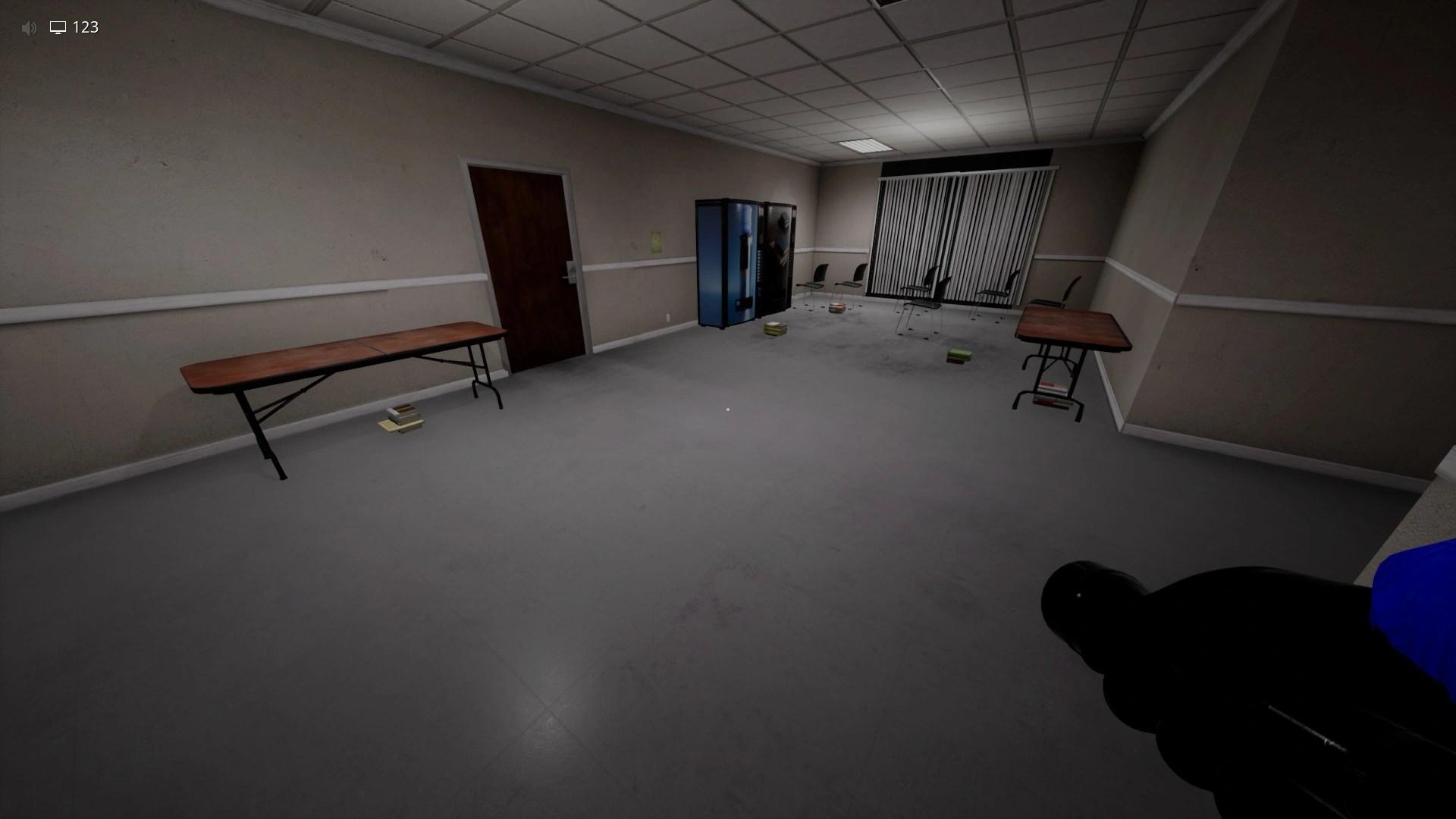
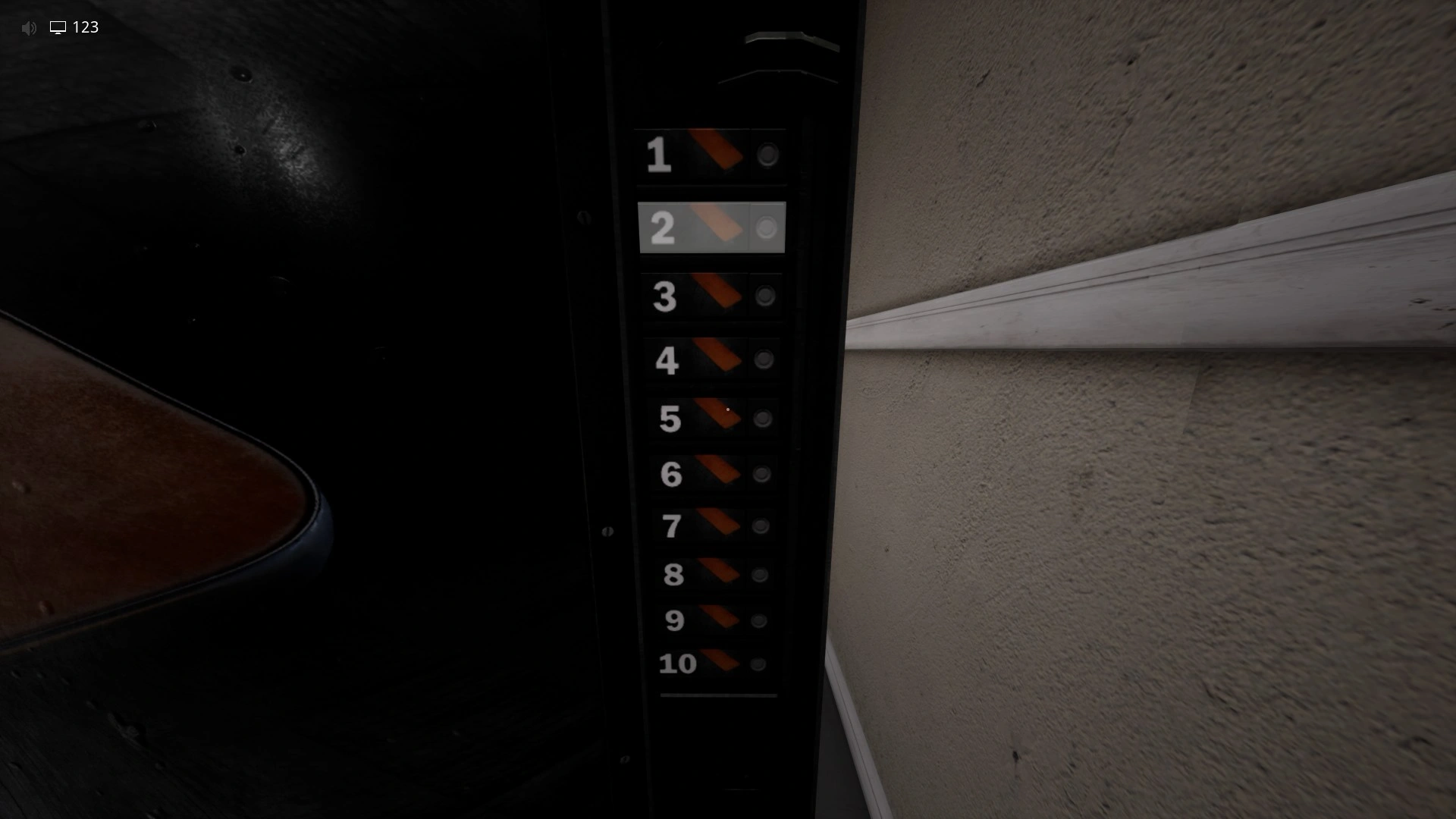
Level 4 Abandoned Office is split into 2 parts. The first part is the vending machine puzzle, and in the second part you just have to avoid the cameras and get to the exit. To get the correct codes for the vending machines, you have to count the number of objects you see and input the number on the vending machine. The objects are chairs, tables, water coolers, and books. Only count the number inside the room where the vending machines are. After you input the correct amount on each machine, the door will open.
How to Sneak Past the Cameras
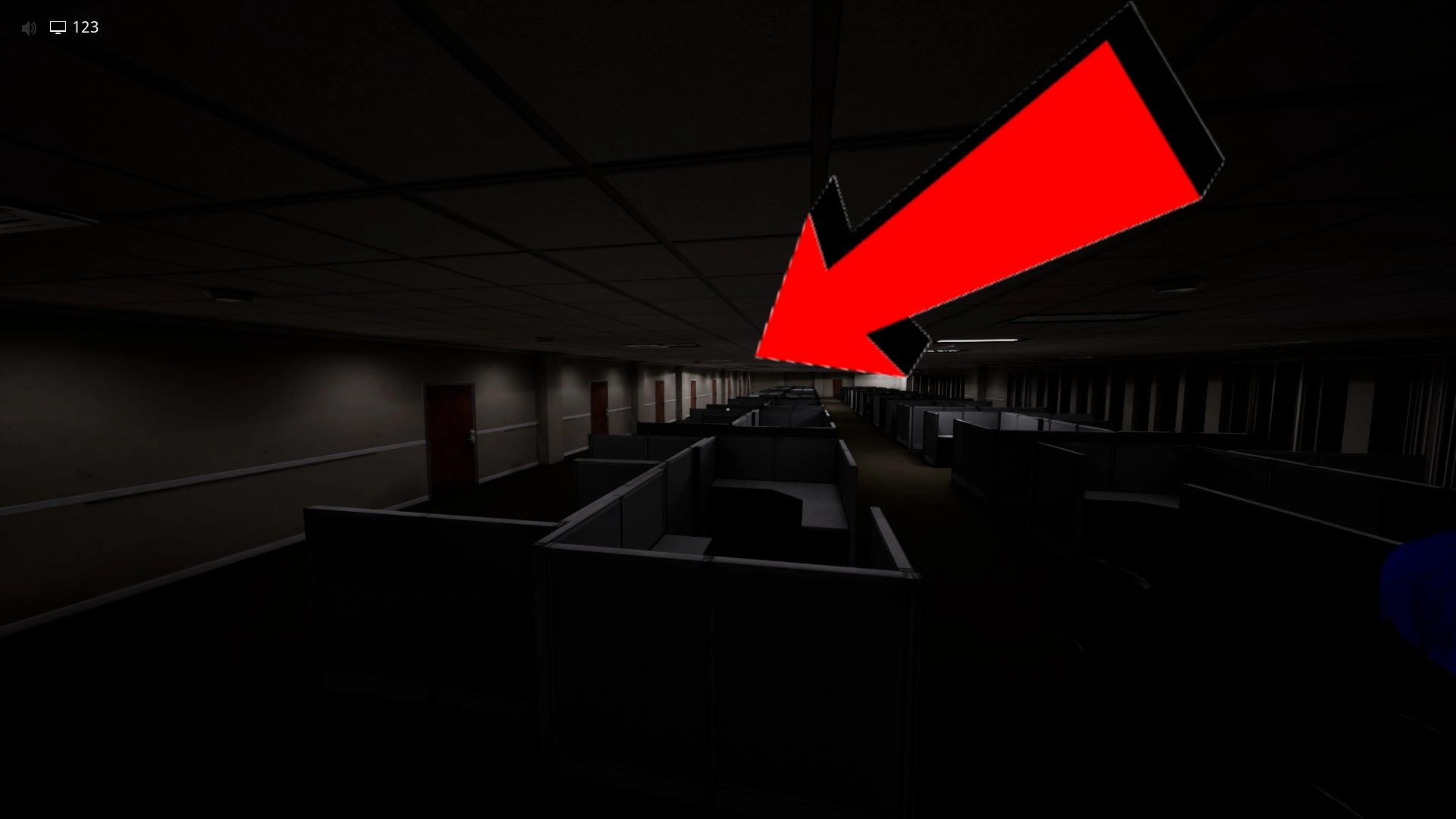
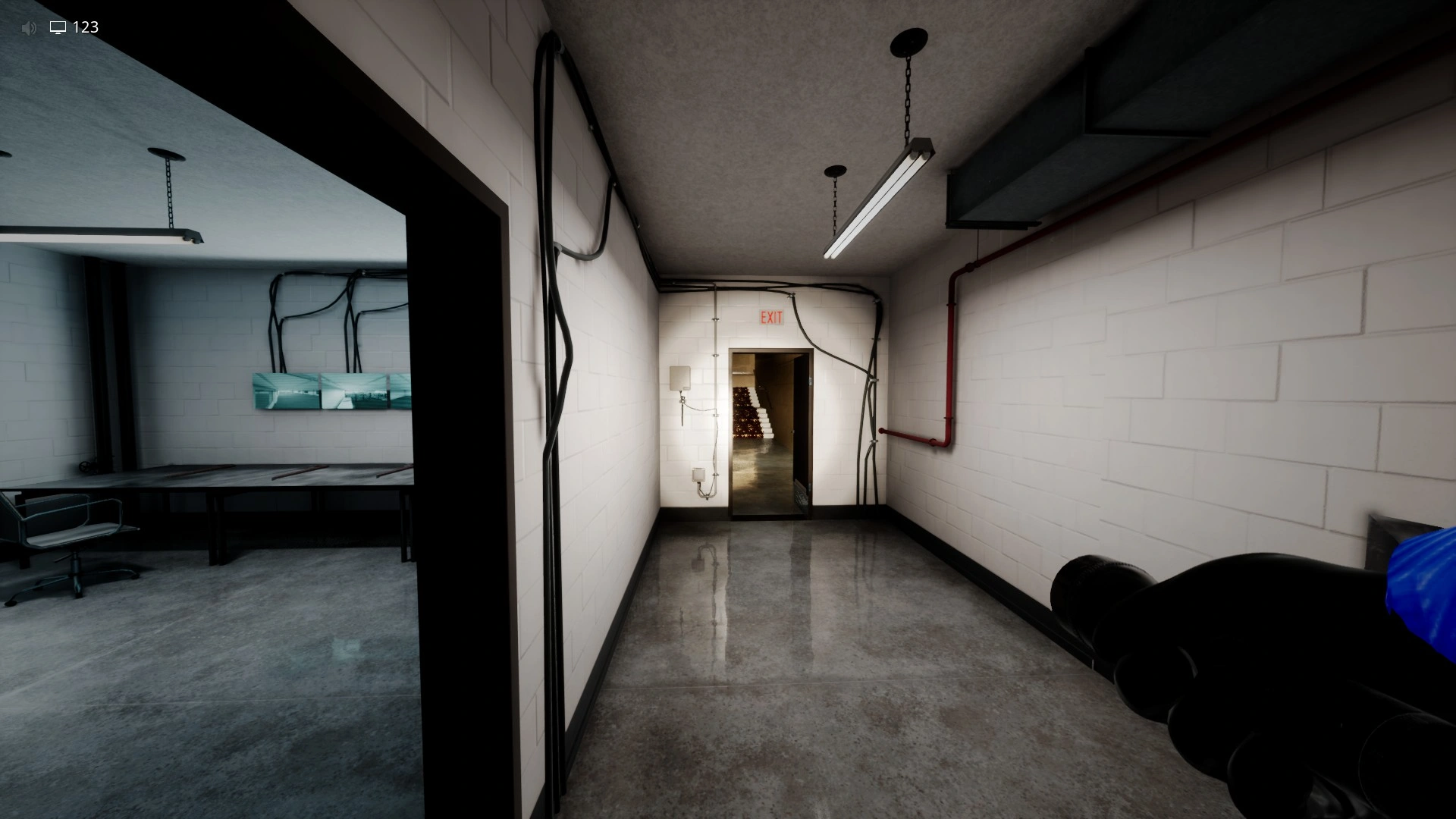
After you complete the vending machine puzzle, head to this door and you will get to the second part of the level, where you will have to avoid getting spotted by the cameras.
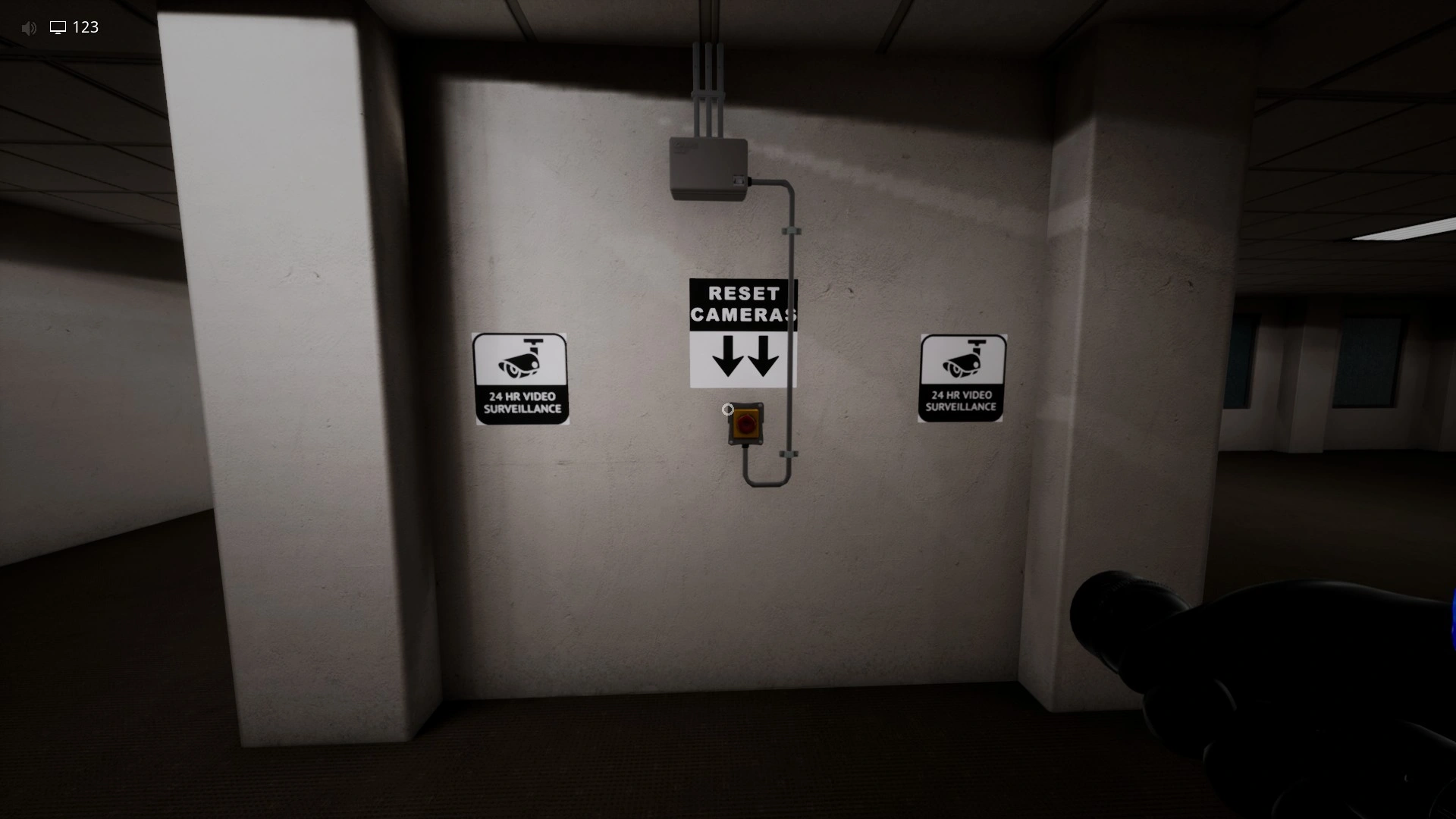
In the second part, you have to first reset the cameras.
After that, you have to sneak past the cameras and go to the exit. There is only one path, so you can't get lost. If the cameras spot you, they will start making noises and will flash red, and that will lock the exit. If you didn't get spotted, the exit will be open and you can finish the level.
Entities in Escape The Backrooms Level 4 Abandoned Office
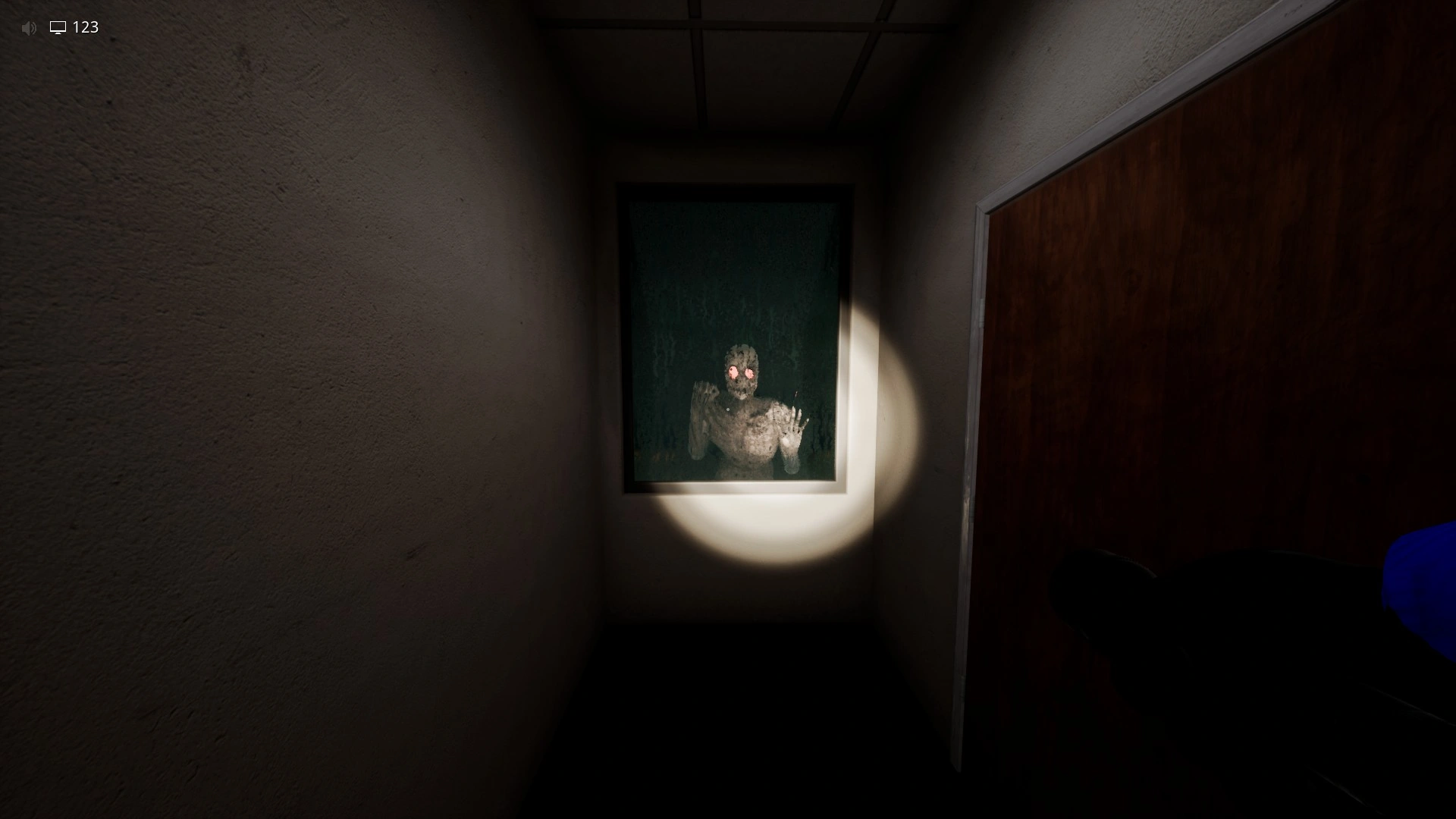
Windows - Don't get close to a window if there is an entity behind it, because it will grab you.
You can watch our Abandoned Office guide and walkthrough video here: